Mervis SCADA
The professional, cloud-based service for visualization, data logging, control, and remote controller management.
Quick Login: Open Mervis SCADA Cloud
Contact Sales & Support
For inquiries about subscriptions, on-premise licenses, or custom integrations:
Deployment Options (Comparison)
Mervis SCADA is available as a managed cloud service or a local on-premises installation.
| Feature | Cloud | On-premises |
|---|---|---|
| API Access | Yes | Yes |
| Hosting | Managed | Self-Hosted |
| Cost Model / Pricing | Subscription | License + Server (Remote Install Required) |
Access & Interfaces
Tools for daily operators, facility managers, and remote access.
- Web Portal Access – The main interface for managing your projects.
- Portal User Guide – Documentation on dashboards, user management, and navigation.
- Domain Settings & User Authorization – (IMPORTANT: Required reading for new Portal administrators)
- Mobile App – iOS and Android application for remote monitoring.
- Report Generator – Tools for scheduling and customizing data reports.
Connectivity & Integration
Configuration for integrators connecting hardware or third-party software.
- Communication Protocols – Supported standards (Modbus, BACnet, BMR, IEC 104, etc.).
- MQTT Integration – Connecting IoT sensors and network analysers.
- Mervis IoT – Management of IoT-specific devices.
- API Reference: Standard SCADA API | High-Volume IoT API
Administration & System
Installation, licensing, and platform maintenance.
- Cloud Services Overview – Details on our SaaS infrastructure and database.
- Security & NIS2 Compliance – Details on system security, 2FA, backups, and NIS2 readiness.
- System Requirements – Hardware specs for On-Premises installation.
- Licensing Information – Subscription tiers and license management.
- Updates & Release Notes – Latest features, bug fixes, and changelogs.
Resources & Demo
- How-To Guides – Step-by-step practical configuration examples.
- Try the Demo:
- User: `demo_en`
- Pass: `demo`
Gallery
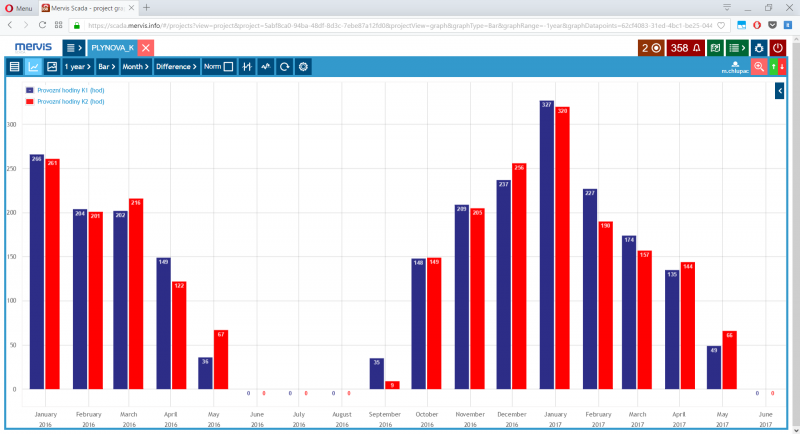 | 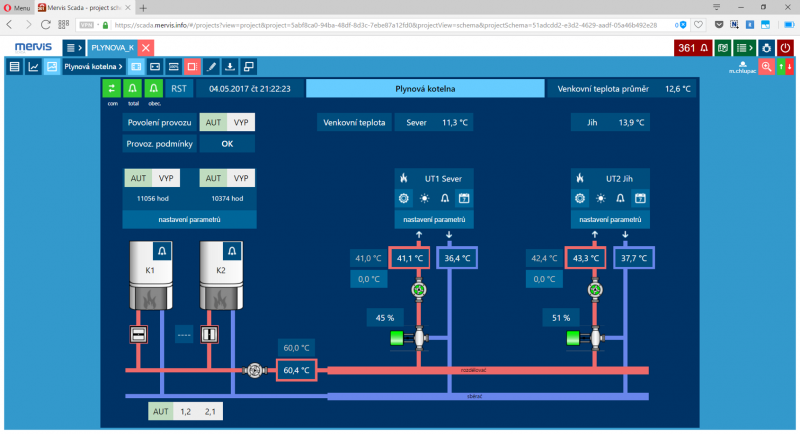 | 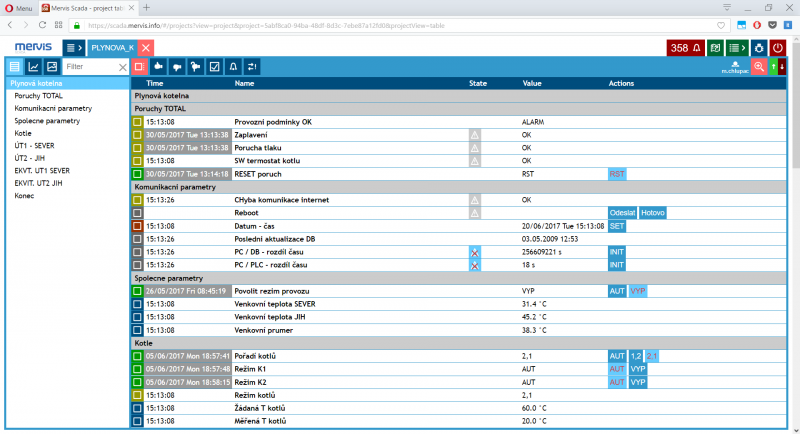 |