Mervis DB Viewer
Mervis DB Viewer is an on-line web application that can be used to display and analyze data from any Mervis DB (Merbon DB, RcWare DB) instance that is available from the Internet. The Viewer connects to the database using provided credentials and data definition (keys and values) and displays a list of available variables that can be then analyzed using number of different graph types and functions.
Address: https://db.mervis.info/viewer2
🛑 Note for Unipi Users: > If you are connecting to a database provided through Unipi's services, you must use their dedicated viewer URL instead:
https://db.unipi.technology/dbaccess
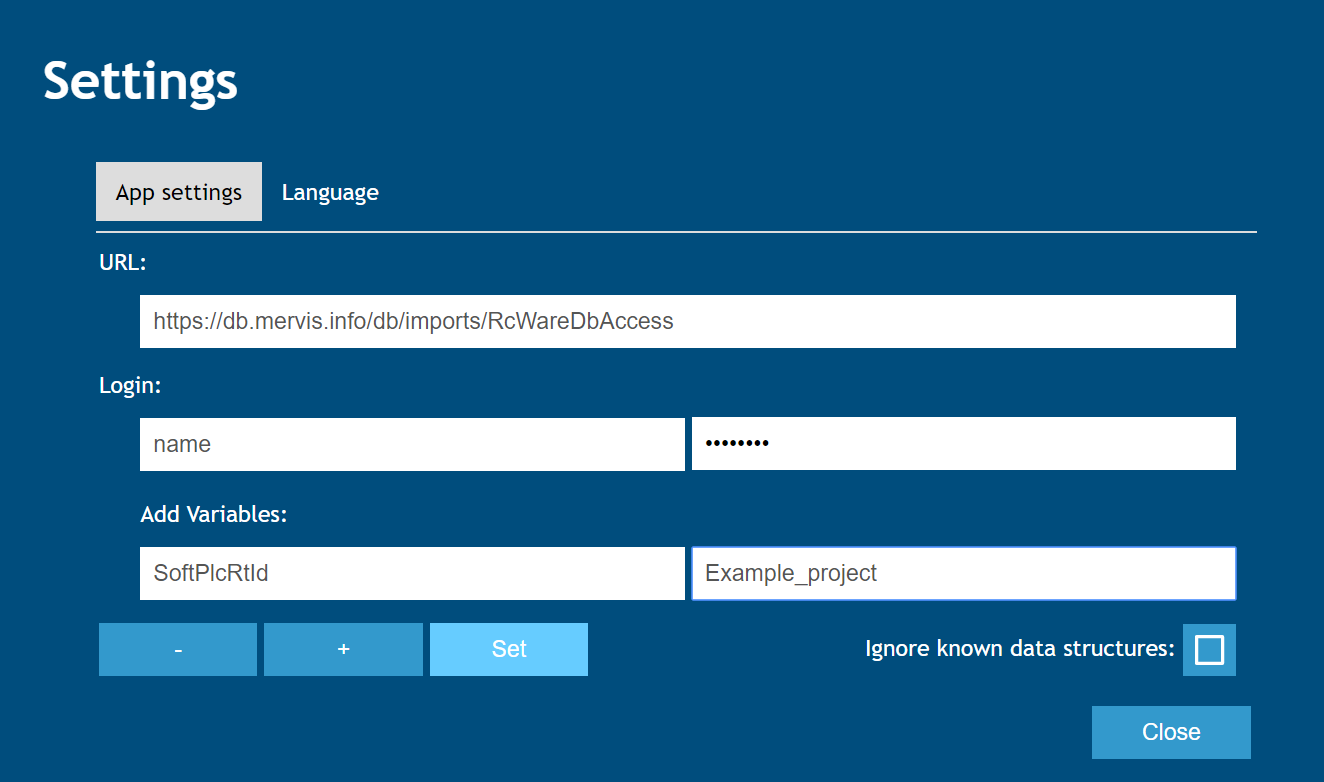
Example of parameters that need to be specified to load data from DB:
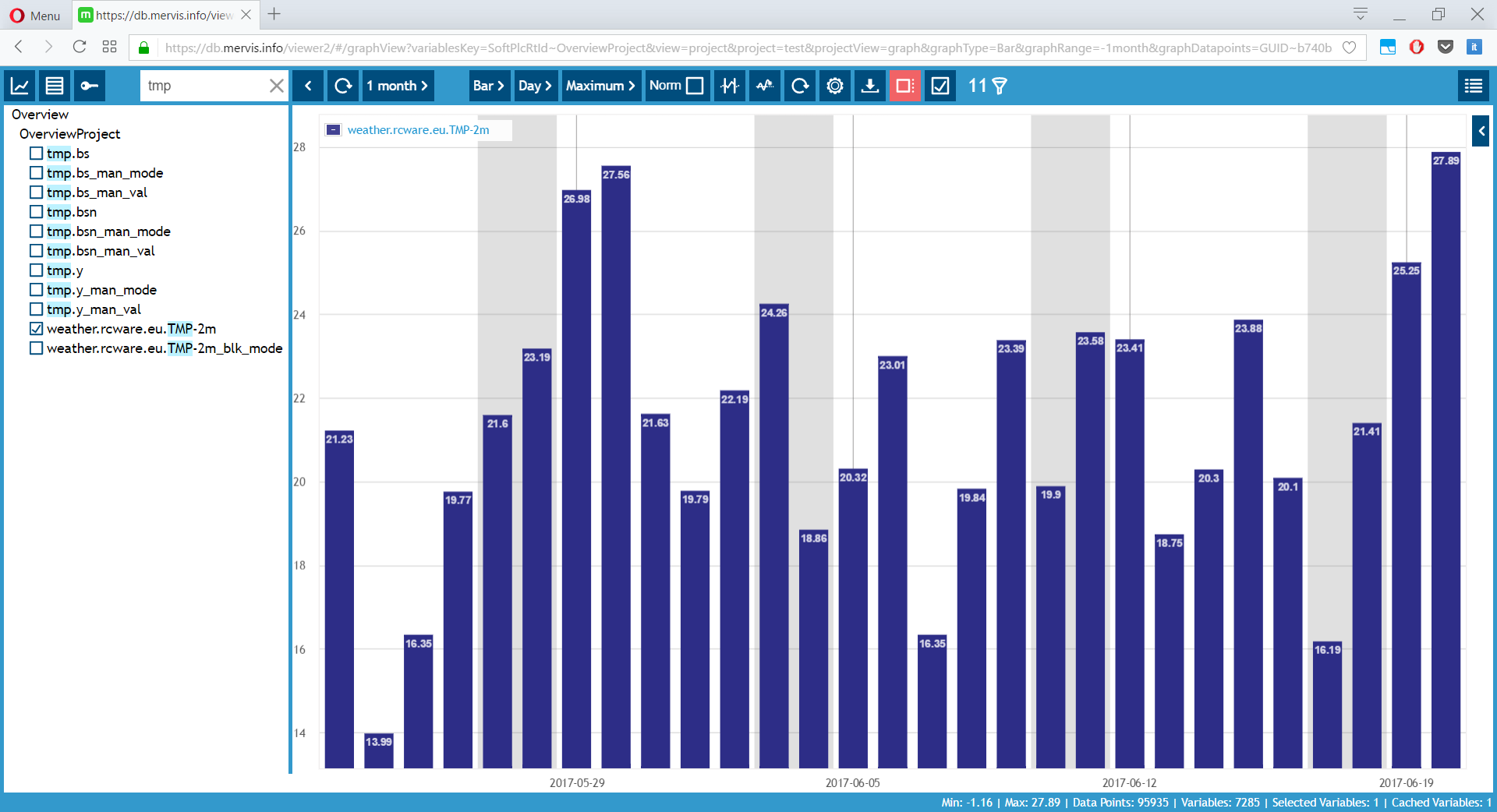
Step-by-Step Interface Guide
First, you need to fill in the login details for the database.
 Empty view without filled data
In the settings, enter the details for the database, name, password, and database keys.
 Settings
The basic view is a classic graph. Graph setting options can be found here: Graphs
 Graphs
Table view of data
 Table view
Database keys
 Keys
KeysDisplaying Data Saved Directly from a PLC
To view historical data that is being saved directly from your PLC, you must specify the correct parameters in the viewer settings. Use the following data definition:
- Key:
SoftPlcRtId - Value: The History ID that is configured for the specific PLC in your Mervis IDE project.