Table of Contents
Modbus Integration Guide: Handling Complex Data
Modbus is a very common “language” for industrial machines. However, it is an old language that prefers to speak in small, simple numbers (16-bit). Modern systems (like Mervis) often use large, precise numbers (32-bit).
Connecting the two can be like trying to fit a large box into a small mailbox.
1. Setting Up the Connection (The Channel)
Before you can read any data, you must configure the communication line.
- Step 1: Right-click on your PLC in the Solution Explorer and select Add Channel.
- Step 2: Choose Modbus as the protocol.
- Step 3: Configure the serial port parameters (Baud rate, Parity, Stop bits) to match your device exactly. If these don't match, the devices cannot “hear” each other.
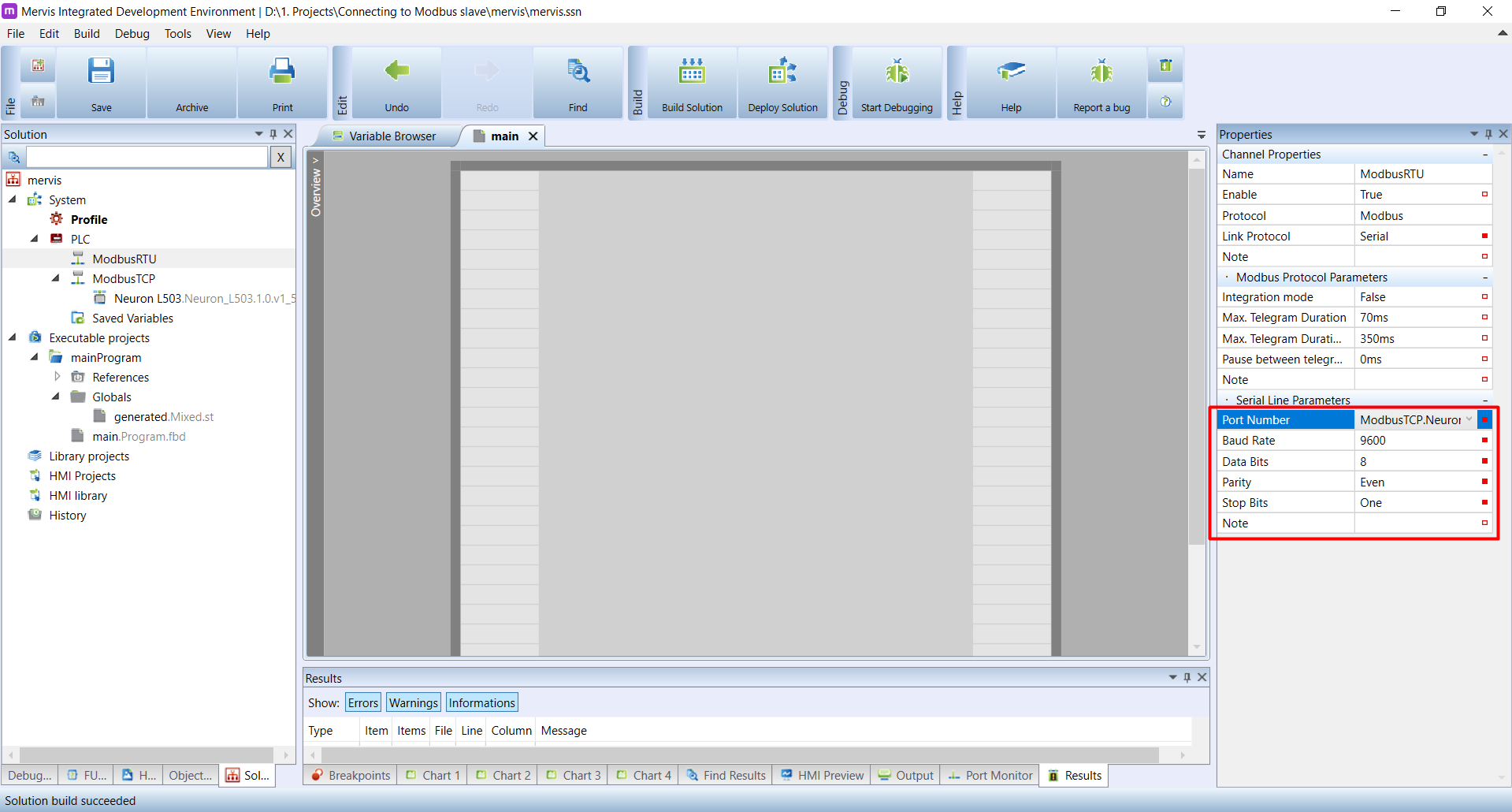
2. Adding a Generic Device
If your device isn't in the library, you can add it manually using the “Generic” template.
- Right-click the Modbus Channel and select Add Device.
- Choose Generic Modbus Device.
- Set the Link Protocol (RTU for serial cables, TCP for network cables) and the Hardware Address (the device's ID number, usually 1).
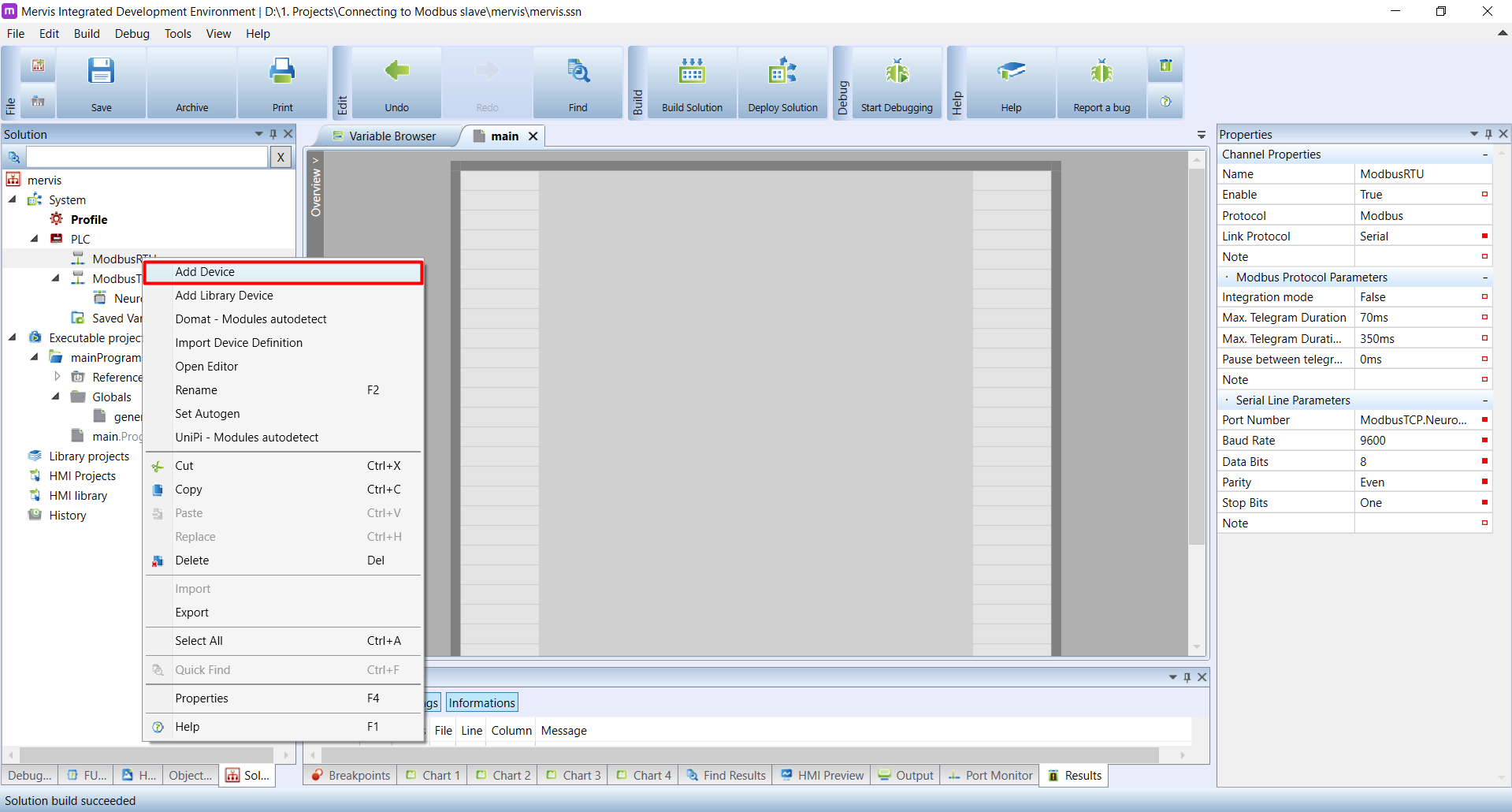
3. The "Two Box" Solution (Split Registers)
To send a large number (32-bit) over Modbus, we have to cut it in half and send it as two smaller numbers (16-bit).
- The Confusion: Sometimes, the receiving device gets the halves in the wrong order (like receiving “World Hello” instead of “Hello World”). This is called “Endianness.”
- The Fix: If your numbers look scrambled on the other end, you likely need to swap the order of the two halves in your configuration.
4. The "Scaling" Solution (Easier)
A simpler way to handle decimals (like “24.5 degrees”) is to get rid of the decimal point before you send it.
- Step 1: Multiply the number by 10 in your controller (24.5 becomes 245).
- Step 2: Send the whole number “245” (which fits easily into the older Modbus language).
- Step 3: Tell the receiving screen: “Put a decimal point before the last digit.”
- Result: The screen shows “24.5”, but you never had to deal with complex math.
5. Who is in Charge? (Server vs. Client)
- Mervis as Server (Slave): The controller sits quietly and waits for someone else (like a building manager system) to ask for data.
- Mervis as Client (Master): The controller is the boss. It actively goes out and asks other devices (like energy meters) for their status.